Give your team more time for the show

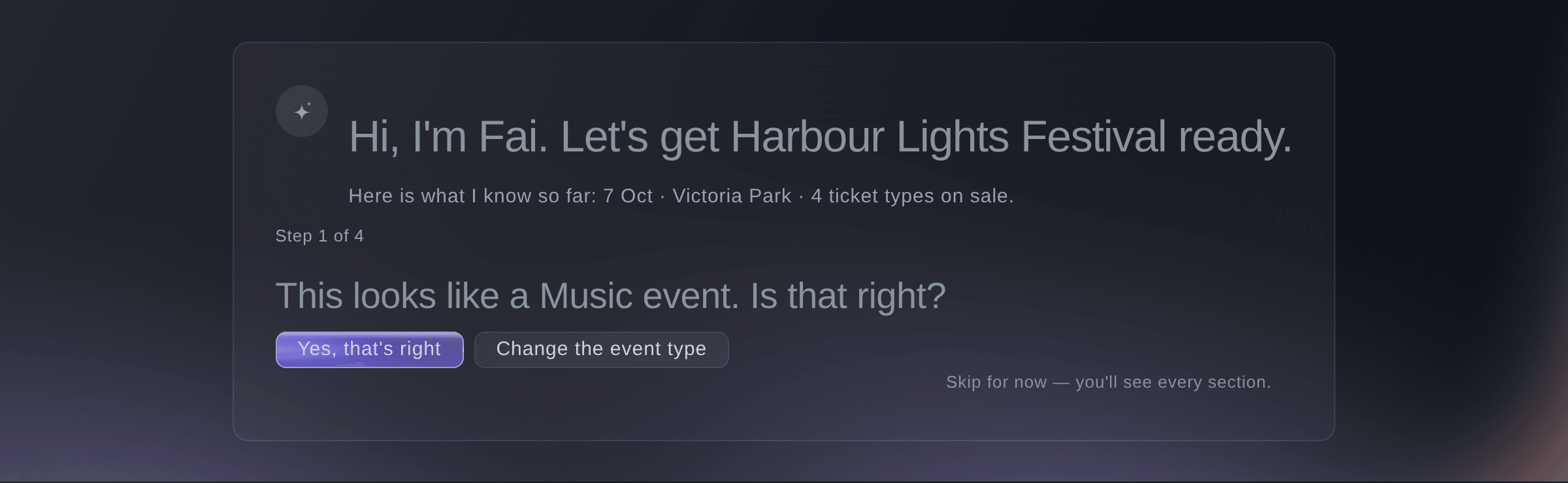
Fai reads the contracts and riders agents send, and suggests your next job every hour. Nothing changes or goes out until you approve it.

  • Less admin across your whole event
  • Nothing goes out until you approve it
  • Fai's tools in your terminal and AI assistant

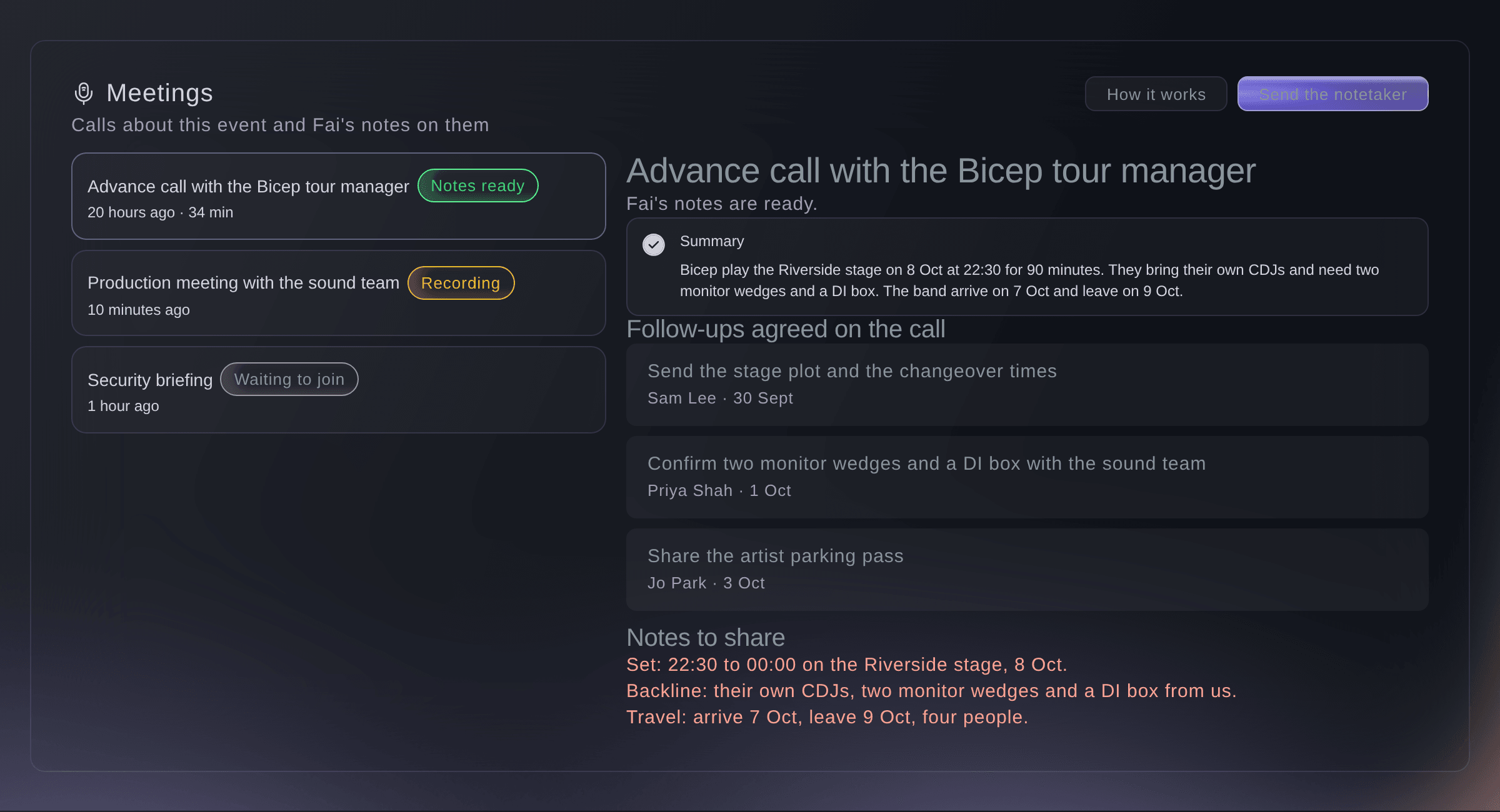
Ask Fai for help with any part of your event

Ask Fai to draft the run of show, fill in an advance, offer an open shift, check volunteer applications or message a team. Fai can do only what the person asking can do, and waits for you to confirm each change.

  • Your own words: ask the way you would ask a colleague
  • Your permissions: Fai can do only what you can do
  • Your approval: you confirm changes and approve messages
Ticket Fairy Event Operating System: Ask Fai for help with any part of your event

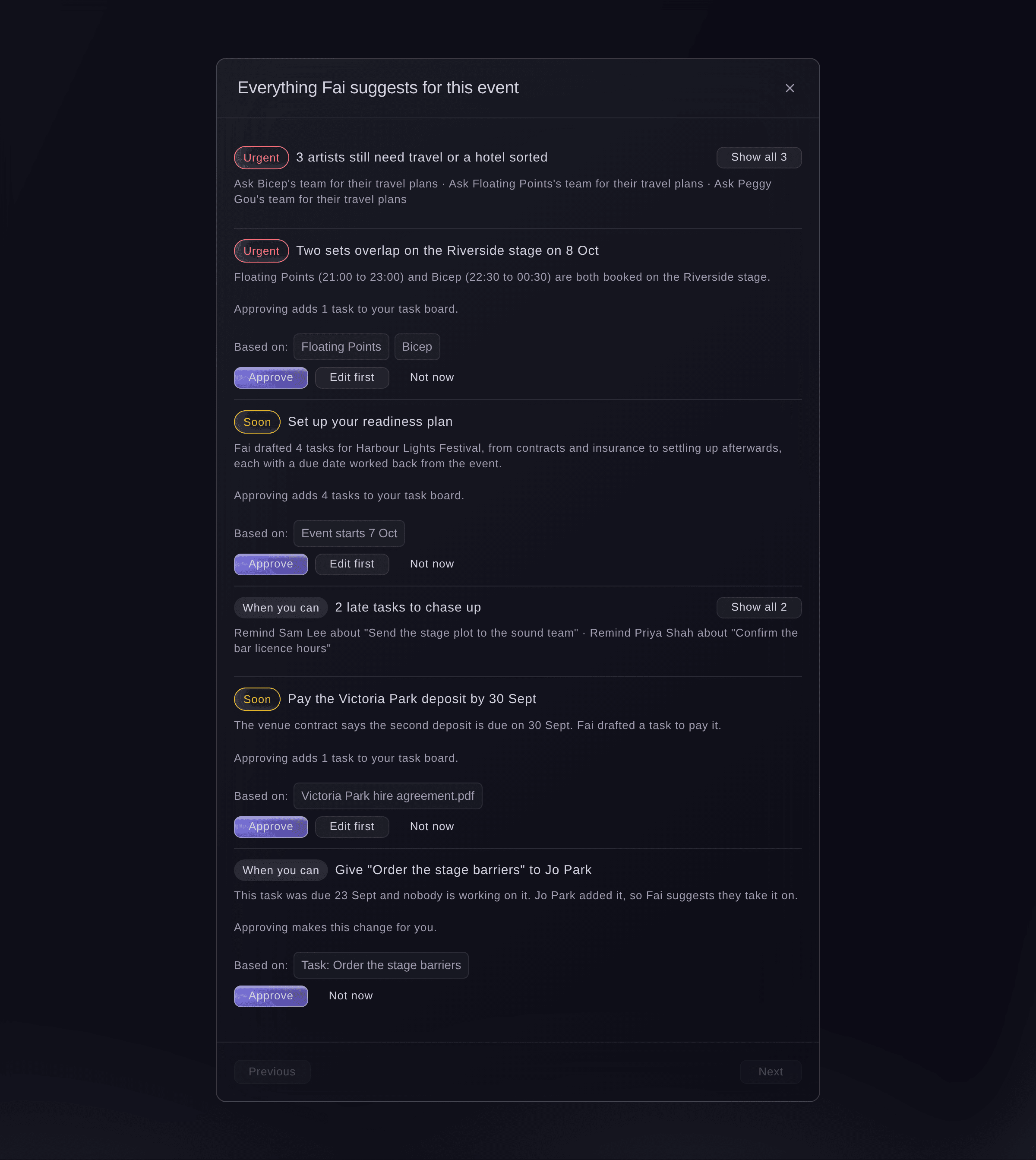
Catch problems early, with a draft ready to approve

Each hour, Fai checks each of your events for jobs that need you. That covers overdue tasks, uncovered shifts, clashes, missing advance details and trader paperwork. It also covers unreturned kit, hotel rooms close to their release date and contracts waiting on you. Fai adds each one to your suggestions with a draft ready for you to approve.

  • Hourly checks: across all parts of your event
  • Suggestions: each one with a draft ready to approve
Ticket Fairy Event Operating System: Catch problems early, with a draft ready to approve

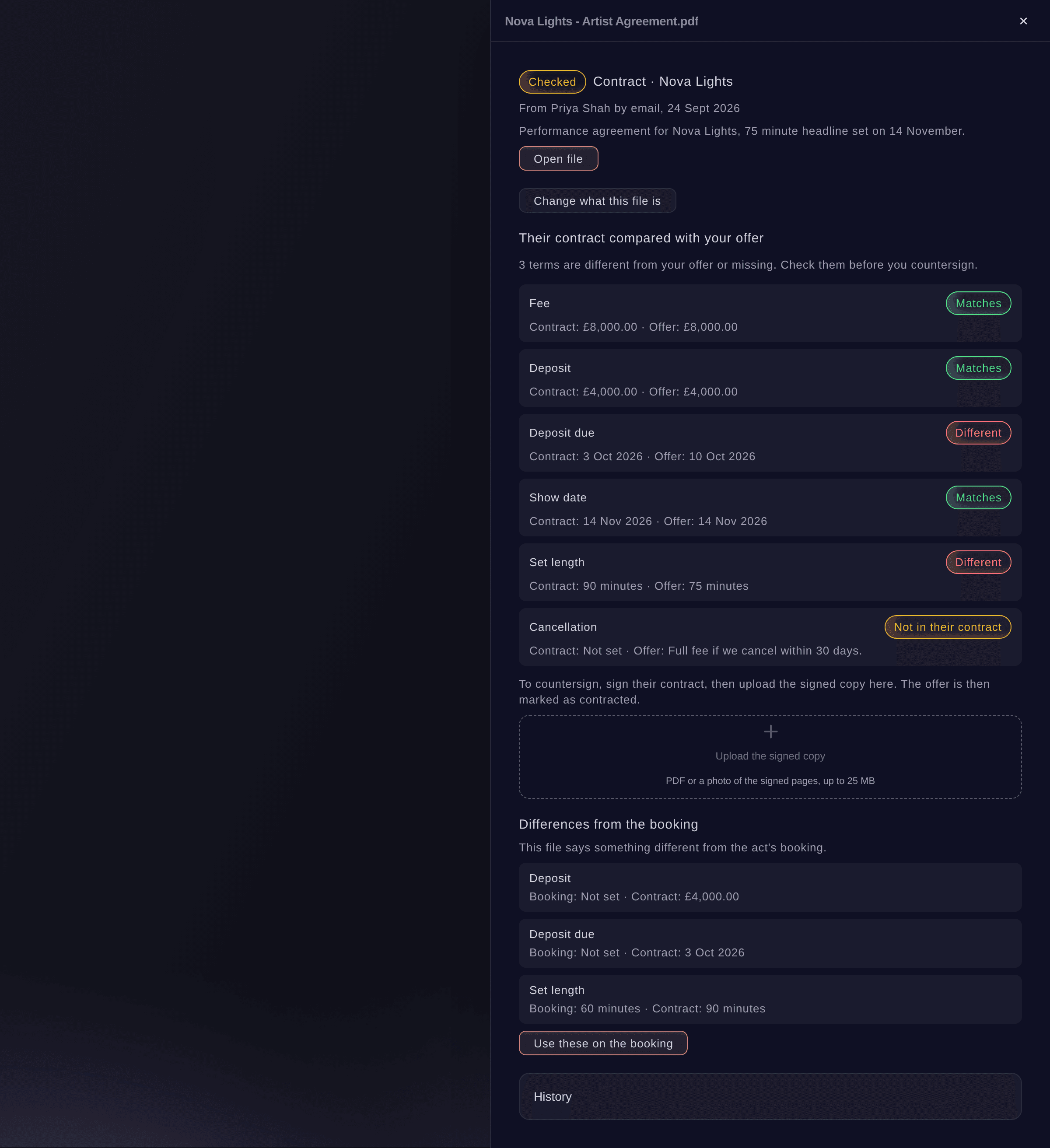
Let Fai read the paperwork agents and suppliers send

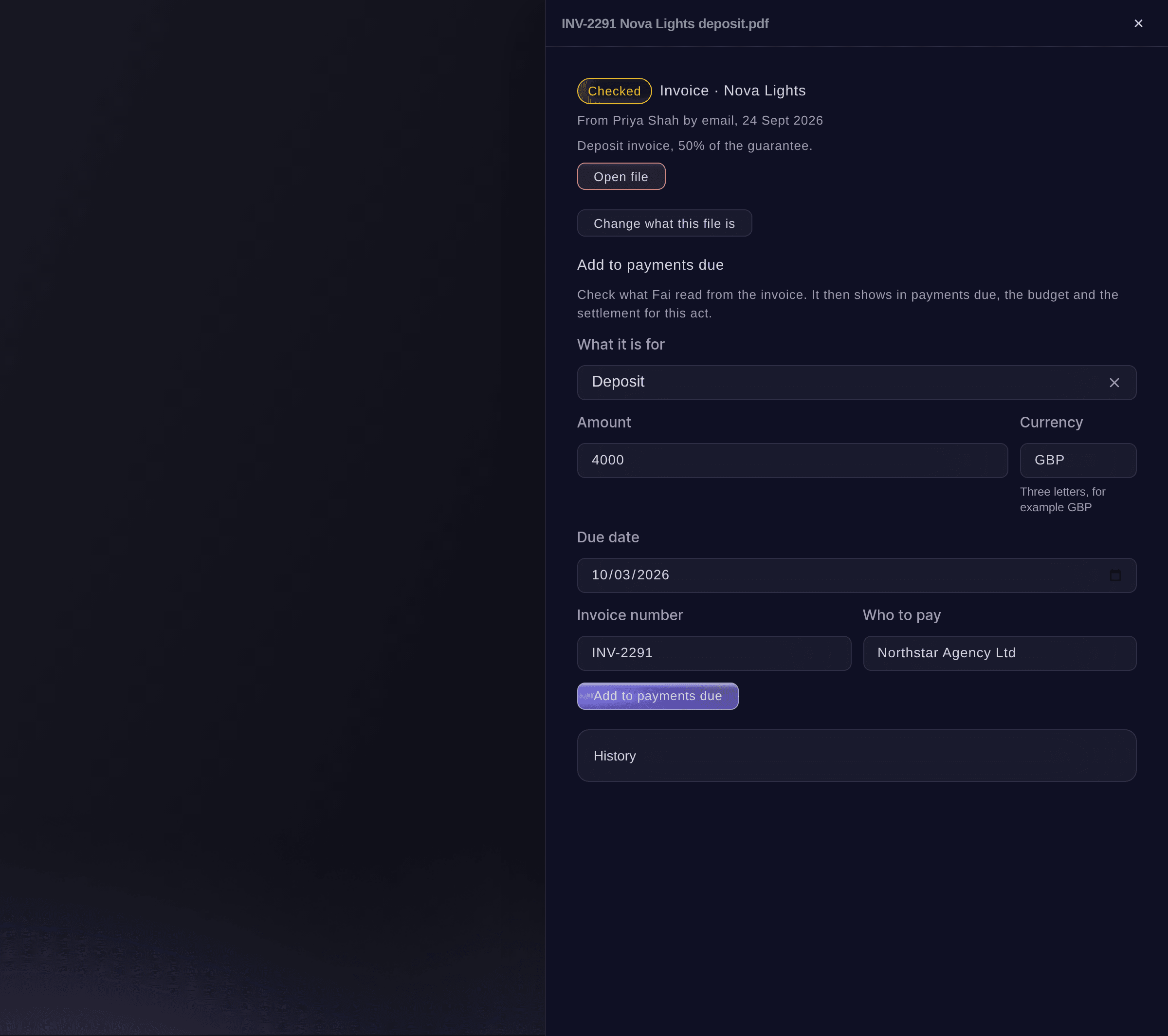
Fai reads what arrives from outside and turns it into work for you to approve. She compares an agent's contract with your offer and prepares their invoice for Payments due. She turns riders and tour books into answers for the advance, and puts a supplier's quote onto the hire list. Fai also checks trader takings reports and the expiry dates on certificates. Each answer shows where it came from, and nothing is used until a person accepts it.

  • Contracts and invoices: compared with your offer
  • Riders and tour books: answers for the act's advance
  • Certificates and reports: expiry dates and trader takings checked
Ticket Fairy Event Operating System: Let Fai read the paperwork agents and suppliers send
Get this page as a PDF Read it later or share it with your team. We email you a link to the PDF.
What to put in your PDF

We will email you this deck. We may also email you now and then about Ticket Fairy features that can help your events. You can unsubscribe at any time with one click.

Go Deeper Into Fai

See how your team does each job in the dashboard, set it up step by step and get answers to your questions.

  • Fai for your event

    Get your event set up from what you tell Fai and the files you give her. She checks it every hour, drafts a fix for each problem and does any job you ask once you say yes.

Work with Fai, your terminal or your own AI assistant

  • Fai across your event

    Ask Fai about any part of the Event Operating System, from planning and artists to meals, desks and traders, with your permissions

  • Choose what Fai does

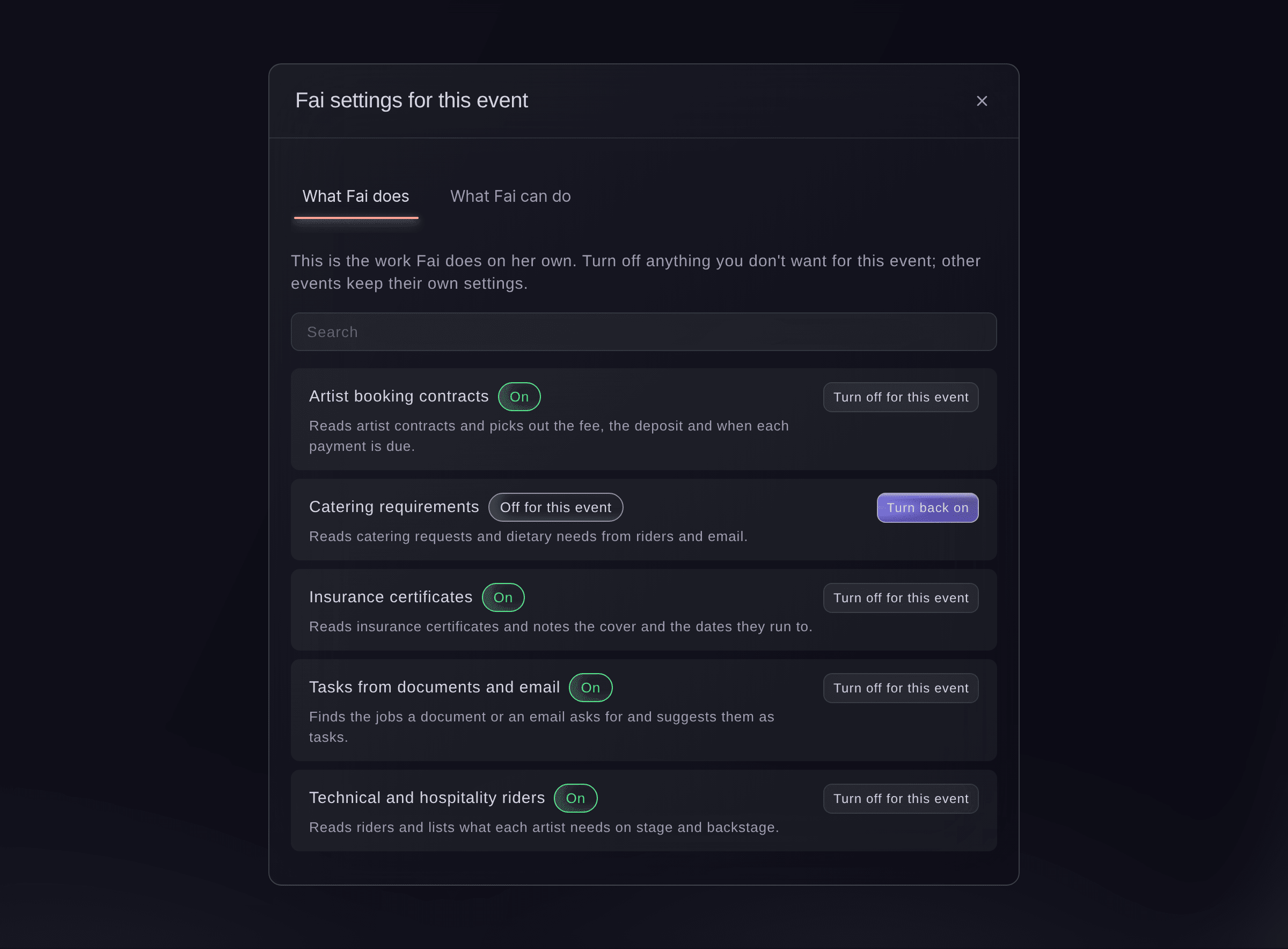
    Turn each kind of work Fai does on her own on or off for each event

  • Send these automatically

    Fai suggests shift offers and reminders for your team to approve. On an event, you can let chosen kinds go out by themselves

  • Ticket Fairy CLI

    Run commands for your Today page, advancing, show day, shifts, incidents, messages, passes and contracts from your terminal or your own scripts

    Learn more about Ticket Fairy CLI

  • MCP server

    Give your AI assistant the same tools. You approve each change, and your assistant asks you before anything goes to other people

    Learn more about MCP server

Questions About Fai

Fai & automation

Fai can do the same work as you across the Event Operating System, with your permissions. You confirm each change, and you approve anything that goes to other people.

No. Fai treats emails, riders and files as information only, never as instructions, and a person accepts each answer before it is used.

Yes. Use the Ticket Fairy CLI, which has commands for this work. The MCP server gives AI assistants the same tools, with your approval before any change.

Ready to Build a Stronger Event Business?

Book a live demo, and we will set up your first event on the Event Operating System with your team.

Start Selling Tickets Online

Sign up without a credit card and build a test event before you commit. Go on sale in minutes when you are ready.

No monthly subscription required for ticketing
Start selling tickets immediately
Ticketing tools included in the service fee
Get Started for Free Talk to Fai Now

Ask Fai, our AI assistant, about Ticket Fairy’s features, pricing and how it could work for your event.

No credit card required

Book a demo call

See the referral model that drives 20% more ticket sales on average, learn which campaigns sell tickets, answer buyers faster and keep queues moving.

45-Minute Video Call
Pick a Time That Works for You

The Ticket Fairy, Inc. is a fintech company and technology platform. The Ticket Fairy, Inc. is not a bank, financial institution, or regulated financial services provider. Vault banking services are provided through regulated banking partners. Ticket Fairy Capital financing is provided by third-party private credit partners. The Ticket Fairy, Inc. does not make credit decisions, and all funding terms, approvals and conditions are determined by those lending partners.